



What are Dynamic Blocks in AutoCAD?
Introduction: The basis of universal CAD programs
AutoCAD offers a wide range of geometric drawing elements such as lines, circles, arcs and ellipses for creating technical drawings. Their great advantage lies in their flexibility: they can be used in a wide range of industries - from architecture and mechanical engineering to furniture design and electrical engineering. In addition, the standardized DWG format enables cross-industry compatibility so that drawings can be easily passed on and supplemented.
CAD blocks: Efficiency in recurring elements
Recurring elements such as windows, doors or standard parts are often required in technical drawings. Instead of creating such objects from scratch each time, CAD blocks provide an efficient solution. A block summarizes a group of basic geometric elements and gives them a unique name, e.g. "door" or "screw". Blocks can be saved, reused and easily inserted into new drawings.
However, for more complex objects such as variable cabinets or doors with different dimensions and properties, this method reaches its limits, as the number of blocks required grows exponentially and clarity is lost.
Dynamic blocks: The next level of efficiency
Advantages of dynamic blocks
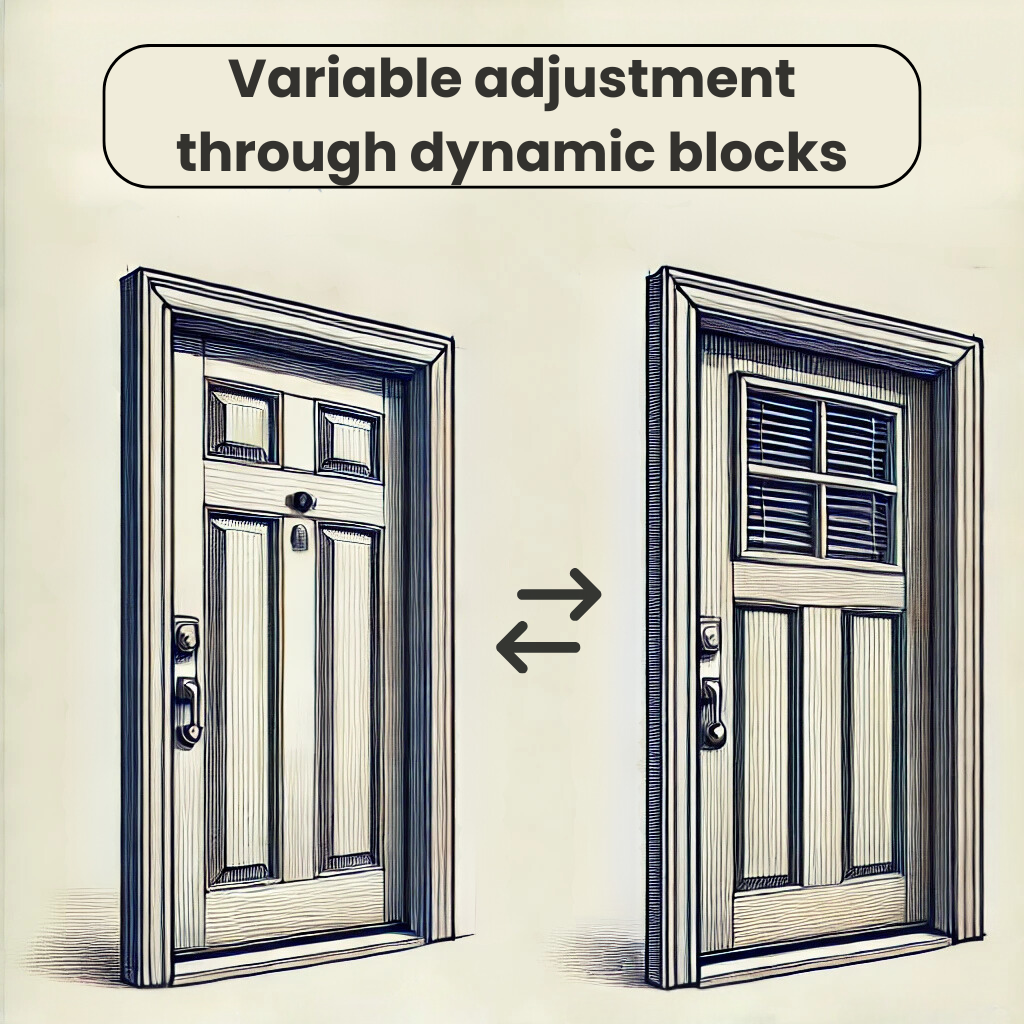
Dynamic blocks solve the problems of conventional CAD blocks through their flexibility. Instead of creating a separate block for each variant of an object, a dynamic block can cover multiple versions of an element. For example, a dynamic kitchen cabinet can be designed variably both in terms of width (e.g. 30 cm, 45 cm, 60 cm) and features (number of drawers, door hinges).
This not only reduces the number of blocks required, but also increases the clarity and efficiency of processing.
Basic principles of dynamic blocks
Parameters and actions
A dynamic block is based on two main elements:
Parameters
Parameters define the properties of a block that should be variable, e.g. dimensions, rotation angle or visibility. They determine how a block can be manipulated.Examples: Linear (for length adjustments), Polar (for rotation), Visibility (to show/hide variants).
Actions
Actions determine how a block reacts to changes in the parameters. They implement the adjustments in practice.Examples: Stretching, moving, scaling, mirroring, arranging.
Visibilities and attributes
Visibility parameters can be used to manage different versions of an object in a single block. For example, a dynamic block for a door could contain variants with glass panels, solid wood or glass inserts.
Attributes make it possible to link additional information such as designations or quantities directly to the block, which is particularly helpful when creating tables or parts lists.
Creating a dynamic block
Steps for creation
- Define basic block
Start with a conventional static block. Create all the required geometries, including those that may need to be hidden. - Open the block editor
Open the block in the block editor to add dynamic properties. This offers its own working environment with a "block creation palette" in which you can define parameters and actions. - Adding parameters
Place parameters such as "Linear" or "Rotation" to define the changeable properties of the block. - Assign actions
Link the parameters to actions such as stretching, mirroring or scaling to enable the desired flexibility. - Insert visibilities and attributes
Add visibility levels and assign specific properties to attributes. - Test and save block
Test the dynamic block to ensure that all functions work correctly. Then save the block.
Why dynamic blocks are indispensable
Dynamic blocks eliminate the need to create numerous individual blocks and significantly increase the efficiency of universal CAD programs. Their ability to vary dimensions, shapes, colors or layers brings universal CAD programs closer to the level of specialized software. At the same time, they remain compatible and flexible for cross-industry use.
Dynamic blocks not only make work faster and clearer, but also more professional.
Dynamic blocks and our company performance
From theory to practice: how we optimize dynamic blocks
Our aim is to make your work in AutoCAD easier, faster and more precise. In doing so, we go beyond the simple creation of dynamic blocks. We develop intelligent, automated solutions that are specifically tailored to your needs.
Our services include:
Custom programming of dynamic blocks: We create blocks that can flexibly map dimensions, shapes and variations. This means you no longer have to create a new block for each variant of an object and can implement your specific dimensions and requirements directly.
Automated workflows: With block generators and well thought-out structures, we enable you to assemble components such as wall or wall elements quickly and automatically without having to do a lot of searching.
Combination of several dynamic blocks: We link sub-blocks such as floor and ceiling connections, intermediate transoms and components to create a clear overall solution. Everything is filtered appropriately so that you only see the relevant options.
Error-free compilations: Thanks to intelligent filter functions and clearly structured selection options, our solutions help to avoid errors when selecting and placing components.
Contact us - we program dynamic blocks according to your requirements!
Also read the second part on the individual programming of dynamic blocks.