


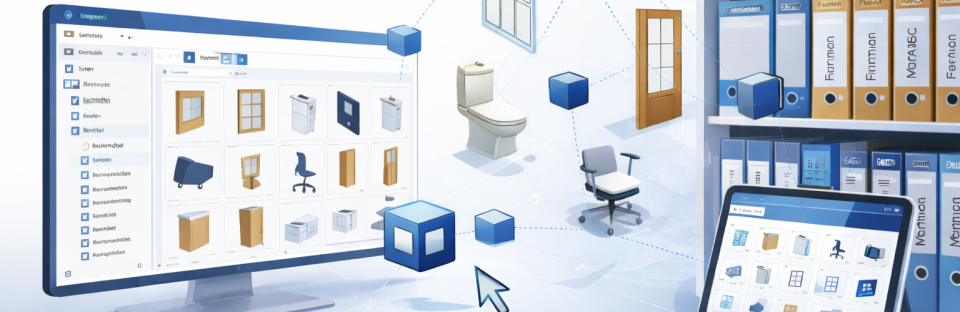
Centrally control Revit families: Strategies for structured BIM libraries
In modern BIM projects, the efficient use of Revit families is a decisive factor for productivity and quality. Anyone who has ever searched for a specific family in confusing libraries knows the problem: wasted time, manual rework, and often a lack of consistency.
With Family Browser, Kleen Software offers a smart solution that revolutionizes access to families in Autodesk Revit. The add-on integrates your libraries directly into the Revit interface, eliminating the need for lengthy searches or manual loading.
The challenge: Order and efficiency in Revit family libraries
Revit projects often contain hundreds or thousands of families spread across different folders and directories. This makes work difficult not only for individual users, but especially for teams that rely on a consistent and up-to-date database. Without a well-designed management system, organization quickly becomes a challenge:
- Long searches for suitable families
- Lack of overview in large libraries
- Outdated or duplicate families in the project
- Manual updating of changes
Our solution: The Family Browser
The Family Browser integrates directly into the Autodesk Revit user interface and provides all the families you need at the touch of a button. With intelligent search, organization, and update functions, it ensures significantly more clarity and efficiency in everyday project work.
Technological basics and functionality
The Family Browser combines several powerful features:
- Search function
Find specific families and folders with a fast and intuitive search. - Folder hierarchy
Automatic recognition of main and subdirectories for a clearly structured library. - Overwriting families
Changes to families are automatically applied to instances already placed in the project. - Saving family paths
Flexibly manage different libraries via TXT files or internal storage paths. - Marking families with multiple types
Visual highlighting makes it easier to recognize families with variants. - Multilingualism
The add-on supports multiple languages and can be individually expanded via language files. - Flexible views
Switch between list and row view, depending on the project size and your personal working style.
Additional features
- Automatic detection of subfolders for clear organization
- Quick switching between libraries using TXT files
- International usability thanks to language support and expandability
- Automatic updating of family instances for maximum consistency
Application examples and customer benefits
The Family Browser can be used across industries and is particularly valuable for:
- Architects & planners: Efficient access to large libraries and faster project starts.
- Engineering firms: Uniform structures and up-to-date family inventories across the entire team.
- Construction companies & general planners: High clarity in complex projects with many participants.
- International teams: Multilingual use facilitates cross-border collaboration.
Automation and clear structuring not only save users time, but also increase the quality and consistency of their projects.
Advantages at a glance
- Seamless integration into the Revit interface
- Faster project processing thanks to search function and hierarchy recognition
- Automatic updating of existing family instances
- Flexible organization with TXT files and internal storage
- Visual highlighting of families with variants
- Multilingualism and international usability
- User-friendly interface view (list or row view)
Conclusion
The Family Browser is the perfect solution for efficiently organizing Revit families and keeping them handy at all times. It reduces search and administration effort, improves clarity, and ensures consistent results across the entire project team.
For more information, visit family-browser.com.